Ways to use Pagoti
Pagoti lets you write in markdown, publish a page, and keep editing it after it's live — without changing the URL.
That means you can print a QR code once, share a link, or send a newsletter, then update the content any time without starting over.
Use cases
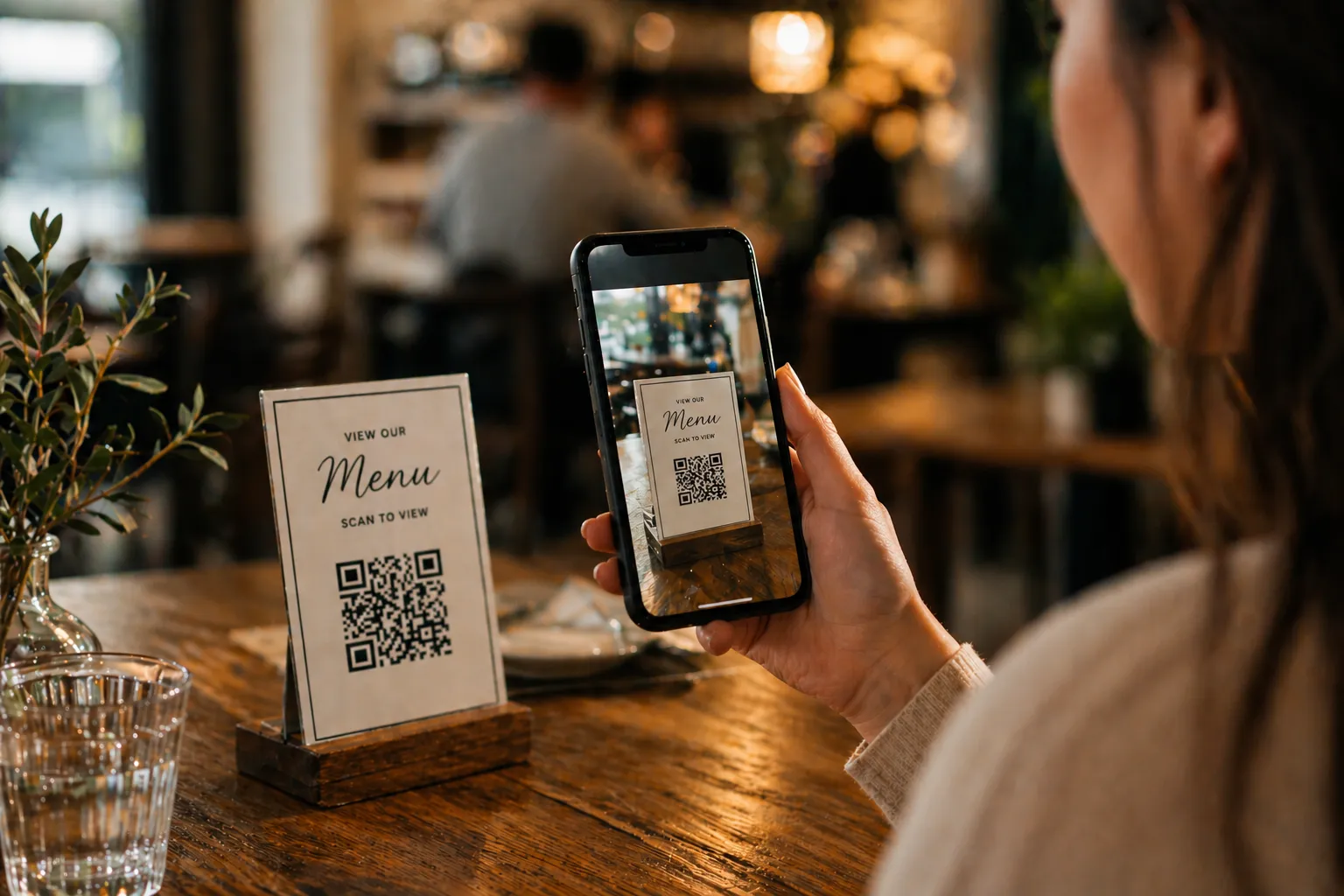
1. Restaurant menus with QR codes
Put your food menu, drinks list, specials, or allergy information on a Pagoti page and link a QR code to it.
This is useful when:
- prices change
- dishes sell out
- seasonal items rotate
- opening hours or booking details need updating
The QR code stays the same while the published page is edited at any time.
2. School newsletters
Schools can publish newsletters as simple web pages instead of PDFs buried in email threads.
This works well for:
- weekly parent updates
- term dates
- reminders about uniforms, trips, or closures
- links to forms and resources
If a detail changes after the newsletter has been emailed, the school can edit the page and the original link still works.
3. Event programmes and schedules
Use Pagoti for conferences, school fairs, church events, live music nights, or community festivals.
Publish:
- running orders
- speaker lists
- venue maps
- last-minute updates
Once the schedule has been shared, you can keep editing it without sending everyone to a new page.
4. Wedding and party information pages
Create a single page for guests with:
- times and locations
- dress code
- gift information
- accommodation details
- RSVP links
If plans change, update the published page instead of texting every guest individually.
5. Product guides and documentation
Pagoti works well for:
- setup guides
- onboarding notes
- release notes
- lightweight help centres
You can publish pages directly or pull content via the API to use the same content in your own frontend.
6. QR-linked signage
Printed signs become more useful when the destination can be updated later.
Examples:
- office visitor information
- venue Wi-Fi instructions
- exhibition labels
- hotel welcome packs
Print once, then keep improving the destination page.
7. Newsletters for clubs, teams, and community groups
Pagoti suits:
- football clubs and PTAs
- churches and volunteer groups
- hobby communities
- local councils and committees
Share the page by email, WhatsApp, or social, then edit it later if details change.
8. Service menus and price lists
Useful for barbers, salons, photographers, and trades that need a clean page with current pricing.
When offers or packages change, update the page without changing the link on Instagram, in print, or behind a QR code.
9. Client pages for agencies and freelancers
Agencies can use Pagoti to manage:
- campaign landing copy
- temporary microsites
- event pages
- project updates
Because Pagoti supports multiple projects, it fits well when you need to keep client content separate and easy to manage.
10. Personal publishing
Pagoti also works for:
- personal notes and essays
- link pages and portfolios
- changelogs and simple blogs
Fast publishing workflow, no heavyweight setup.
The real advantage
The published URL never changes, even when the content does.
You can email a newsletter and fix it later, print a QR code and update the menu any time, or send guests to an event page and refine the details afterward — all without changing the link.
Get started
Pagoti has a free tier — no card needed.